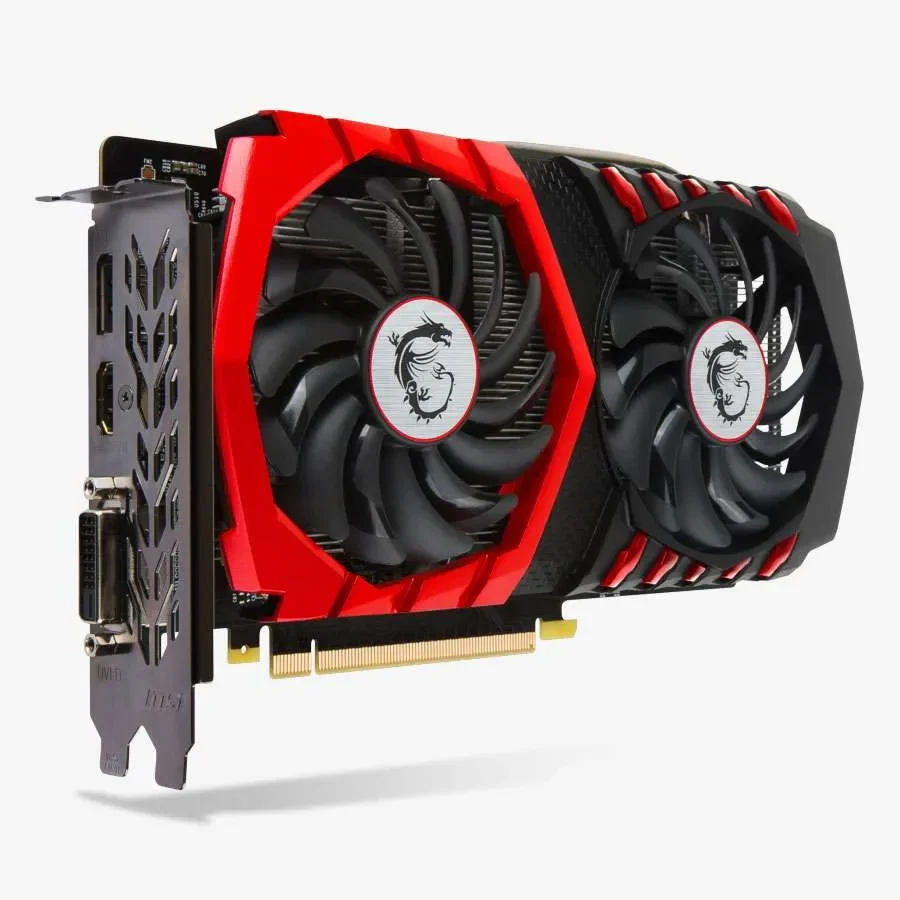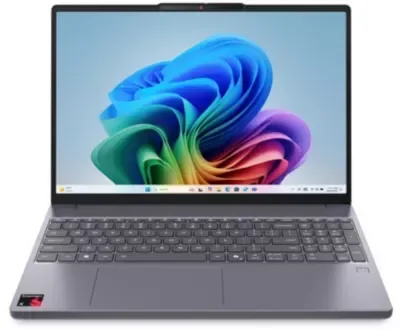
Reports surfacing across various online forums indicate a recurring issue where computer GPUs are operating at persistently high usage rates, frequently hitting 99%. This phenomenon appears to affect users across different applications and hardware configurations, prompting discussions on potential causes and solutions.
The persistent demand on graphics processing units, pushing them to their limits even during idle periods or basic startup sequences, has become a notable point of friction for users seeking smooth operational experiences. This situation is particularly relevant in the context of modern computing demands, where graphical fidelity and processing power are increasingly critical.
MALWARE AND SYSTEM SETTINGS AS POTENTIAL CULPRITS
Investigations into the elevated GPU activity point towards several possible explanations. One prominent theory suggests the presence of unauthorized software, such as cryptocurrency miners, operating in the background. Recommendations from users include employing anti-malware tools like rkill, Malwarebytes, and ADWCleaner to detect and remove such threats. For more persistent issues, advanced scanners like Sophos Hitman pro are suggested, with a full system reset and Windows reinstallation presented as a final, drastic measure.
Read More: Steam Deck Prices Change Soon for Gamers
Another avenue explored involves unintended system configurations. A user shared an experience where a power management setting, altered previously to a "cool" mode, was reverted to "optimized" within Dell Power Manager, resolving a similar high GPU usage problem. This highlights how seemingly minor adjustments in system software can have a significant impact on hardware performance.
HARDWARE AND GAME OPTIMIZATION FACTORS
Beyond software, hardware-related factors and game-specific settings also contribute to high GPU loads. Temperatures exceeding 95°C are flagged as critical, suggesting a need for 'undervolting' or reducing the power limit to prevent overheating. The optimization within games themselves, rather than a faulty GPU, is also cited as a common reason for performance dips or crashes. Issues such as black screens, visual artifacts, and driver failures are often resolved by resetting overclocking software profiles, like those in Afterburner/MSI, to their default states and maximizing the power limit for testing purposes. Furthermore, outdated motherboard BIOS versions are mentioned as potential bottlenecks that could hinder new hardware recognition and performance.
Read More: ByteDance uses Qualcomm chips for AI, changing chip market
BACKGROUND DISCUSSIONS
The issue of high GPU usage is not new and has been a topic of conversation within gaming and PC enthusiast communities for some time. Discussions typically emerge on platforms like 'Steam Community', 'LinusTechTips', and 'Tom's Hardware Forums', where users share their experiences and troubleshooting steps. These conversations often involve a broad spectrum of technical knowledge, from simple power setting adjustments to complex malware removal procedures. The interconnectedness of hardware, operating system software, and third-party applications creates a multifaceted environment where diagnosing performance anomalies requires a comprehensive approach.